
Quiet Window
A 12-second observation of relative sound levels to help you find a quieter listening moment.
No recording is saved. Relative levels are not calibrated measurements.Useful references. Your own observations. An audio checkup built around the moment you are in.
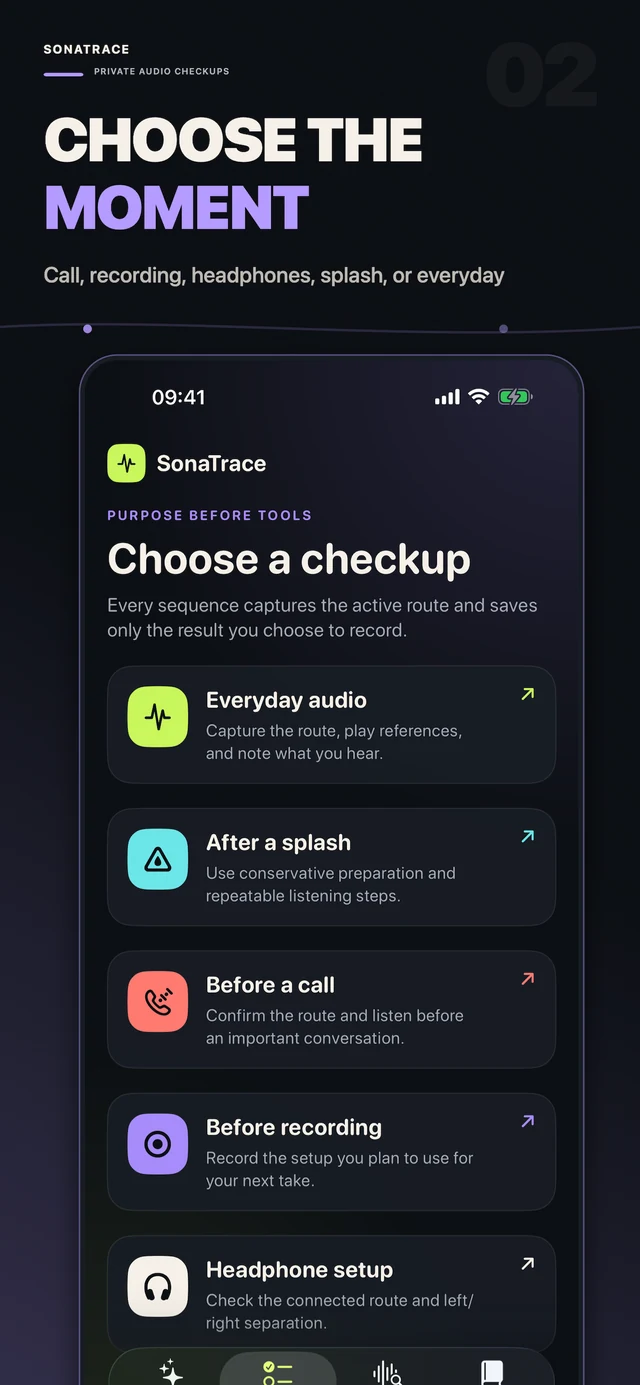
A checkup asks for a purpose first. The route and your listening observations stay together, giving each check a context you can revisit.
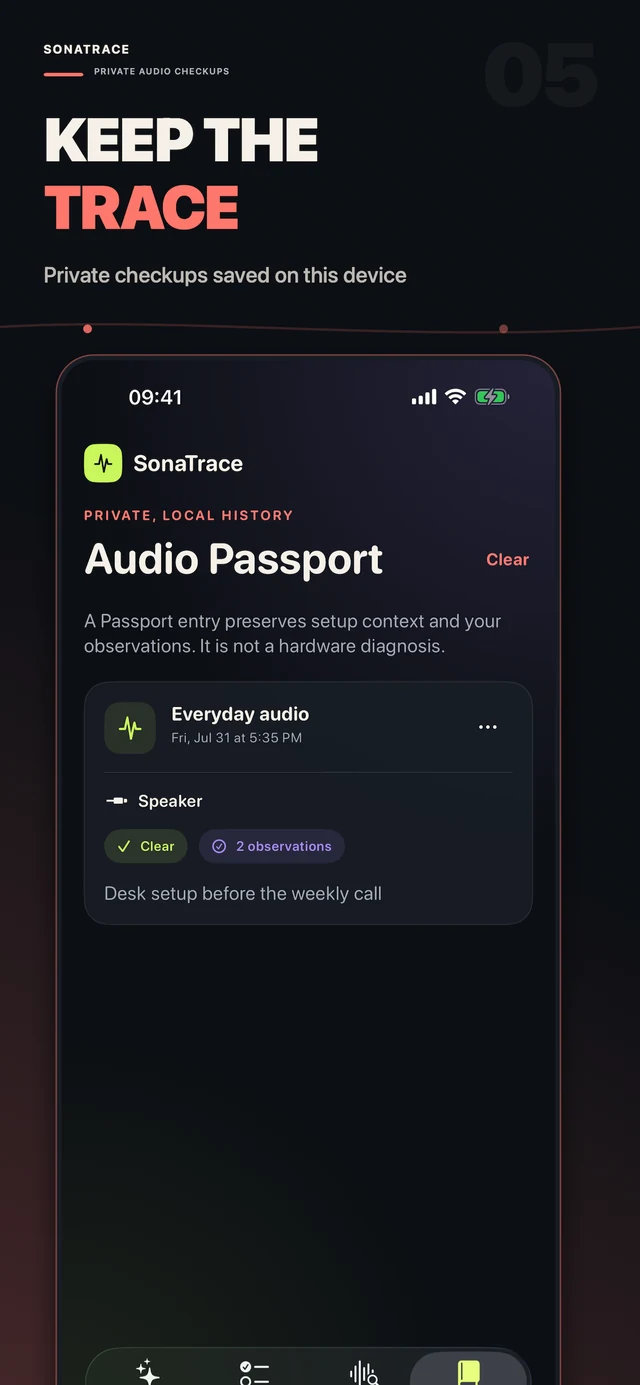
Your Audio Passport keeps dated checkups, route context, and the notes you choose to save on your device.
See what you listened to and what you noticed. A saved entry is a personal reference, not a diagnostic score.
Open a tool, use a reference, and notice what changes. Keep your listening at a comfortable level.
A 12-second observation of relative sound levels to help you find a quieter listening moment.
No recording is saved. Relative levels are not calibrated measurements.Make a short, 5-second microphone sample and listen back to hear the route you are using.
The sample is transient and is not saved as an audio recording.Listen across four reference bands and add your own observation to a guided checkup.
A repeatable listening reference, not a hardware test result.Explore tones and use a consistent playback reference for your listening setup.
Use a comfortable volume and stop if sound becomes uncomfortable.Use left and right playback references to observe the channel setup you are hearing.
What you hear depends on the connected route and device.Observe relative sound levels and frequency estimates as a practical point of reference.
Not a calibrated meter and not intended for professional measurements.Audio tools provide observations and references. SonaTrace does not diagnose faults, certify a device, or replace professional equipment or advice.
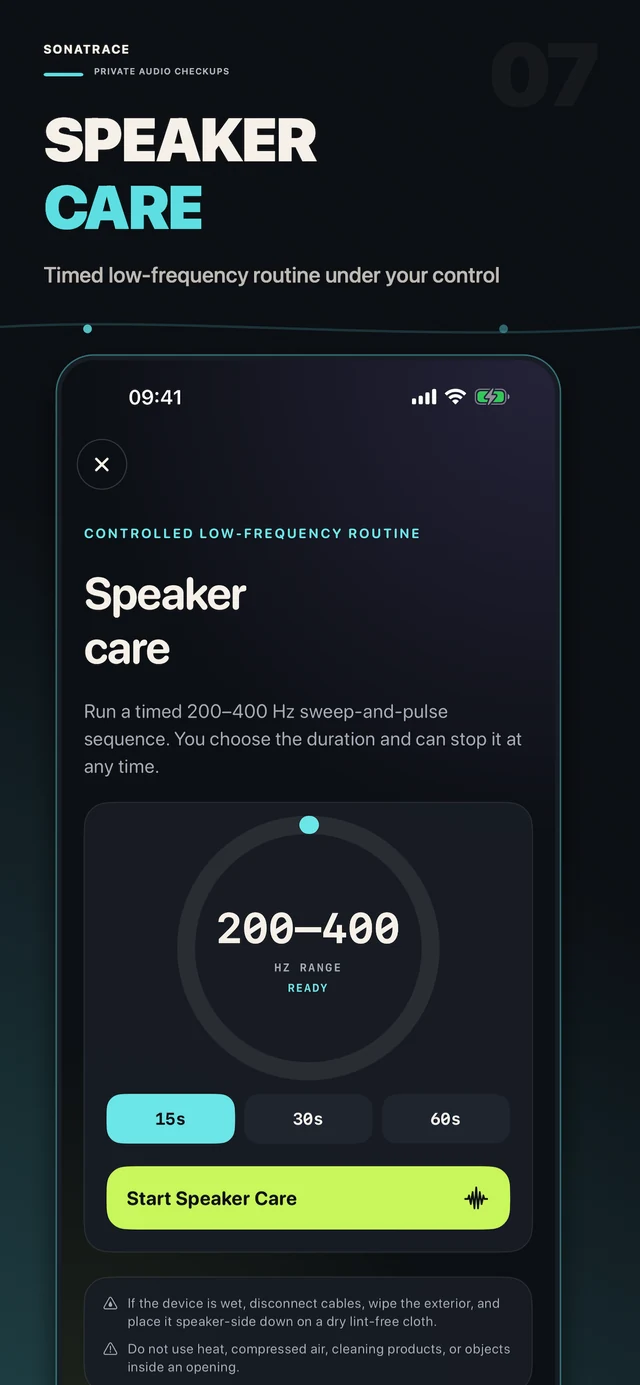
Speaker Care offers a timed 200–400 Hz sweep-and-pulse sequence. Choose the duration and stop whenever you want.
Use a moderate volume and follow your device manufacturer's care guidance. The tool does not guarantee the removal of water or debris and is not a repair service.
ALSO IN THE TOOLKITLantern, SOS and Morse light tools are available on supported iPhones. They are convenience tools, not a substitute for emergency services.
Available for iPhone and iPad. Requires iOS 17.0 or later.